4SCRN Free
$0
Free to use
- 4-screen workspace
- 2×2 screen layout
- Independent websites in every screen
- Quick Launch
- Focus Mode
- Audio Focus
- Screen controls
- No subscription required
Download Free
Available for Windows and macOS
Run Sports, Streaming, Gaming, Trading, Coding, Research, and Workflows Side-by-Side.
Built For
A focused desktop shell with four independent panels, built for every screen-heavy workflow.
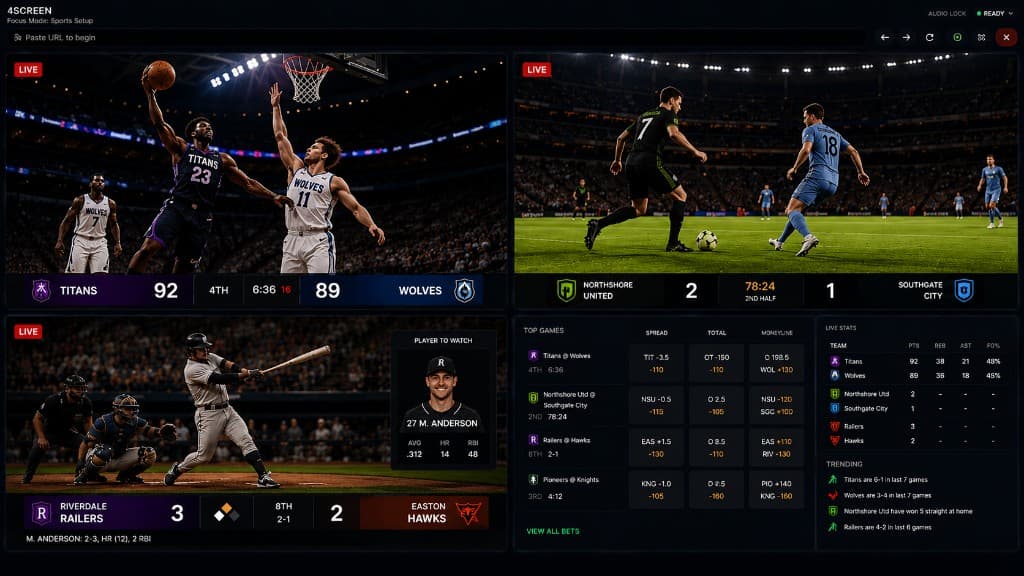
Sports Setup
Auto rotates every 5s
Live games, replays, scores, and social feeds in one 2x2 workspace.
Choose Your 4SCRN
Get the core 4SCRN experience for free, or unlock more screens and expanded layouts with 4SCRN Plus.
$0
Free to use
Available for Windows and macOS
Power Users
$4/ month
Everything in Free, plus more screen power.
Download 4SCRN, then upgrade to Plus inside the app.
Start with 4 screens for free. Upgrade whenever you need more.
Powerful Features
4SCRN gives you complete control over your screens, audio, and workflow. Designed for multitaskers who want the fastest way to manage multiple websites at once.
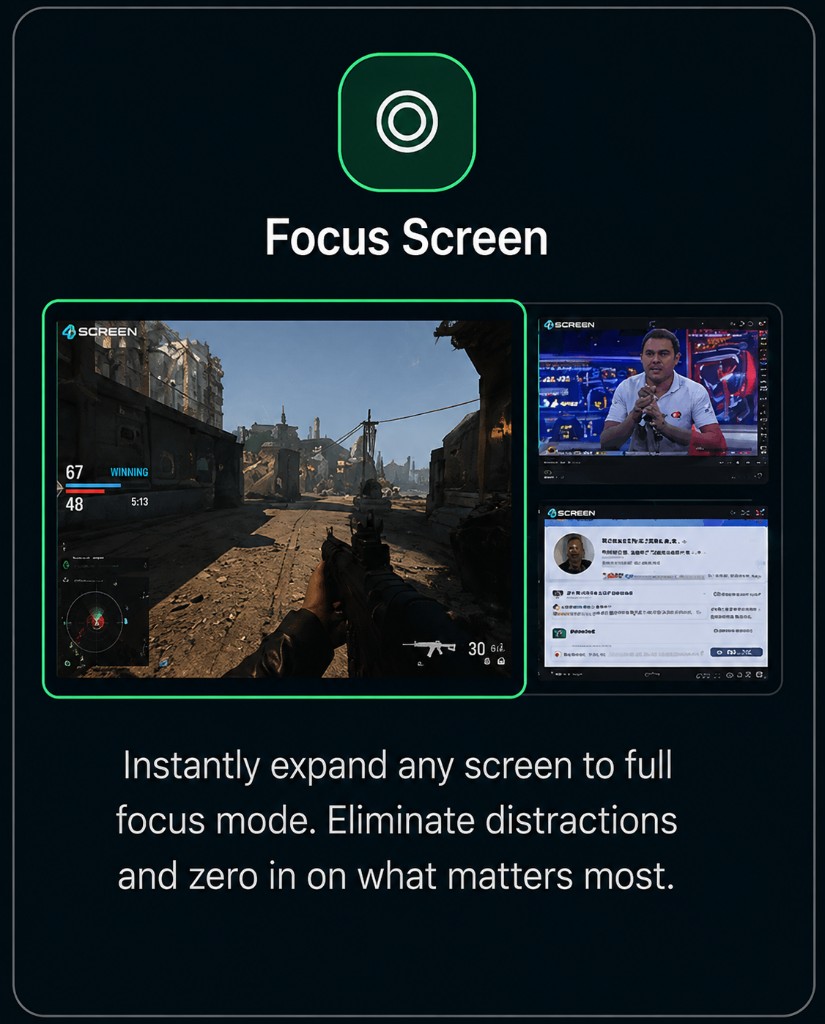
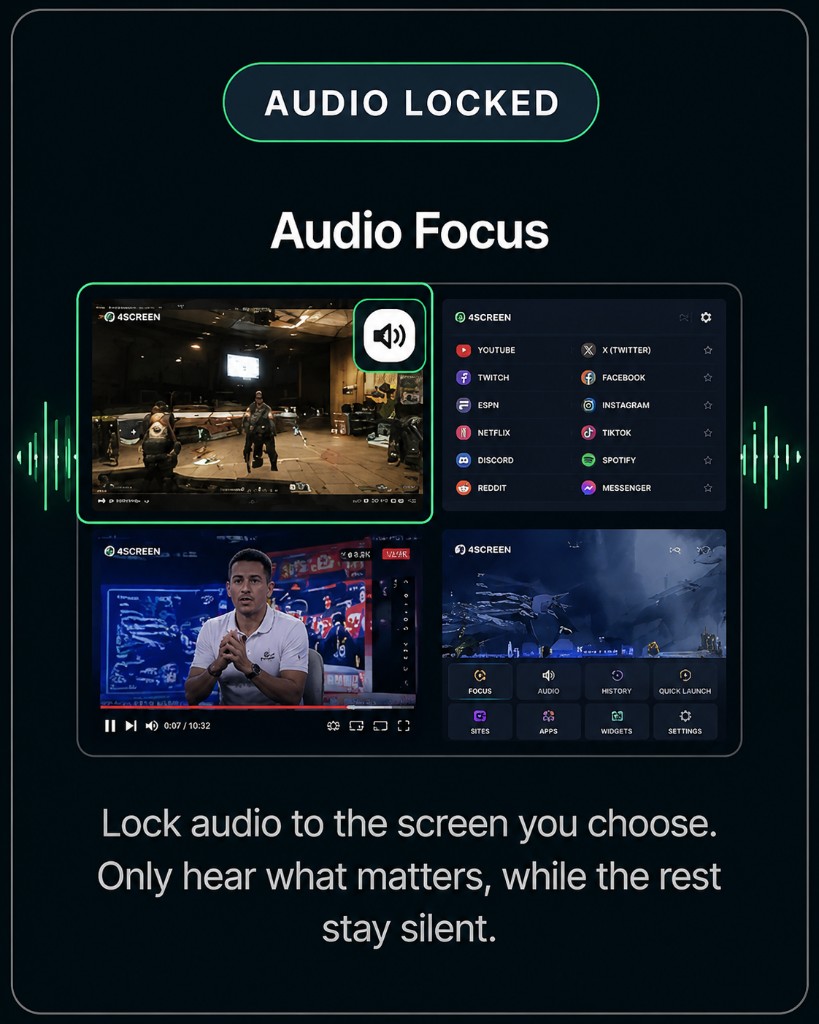
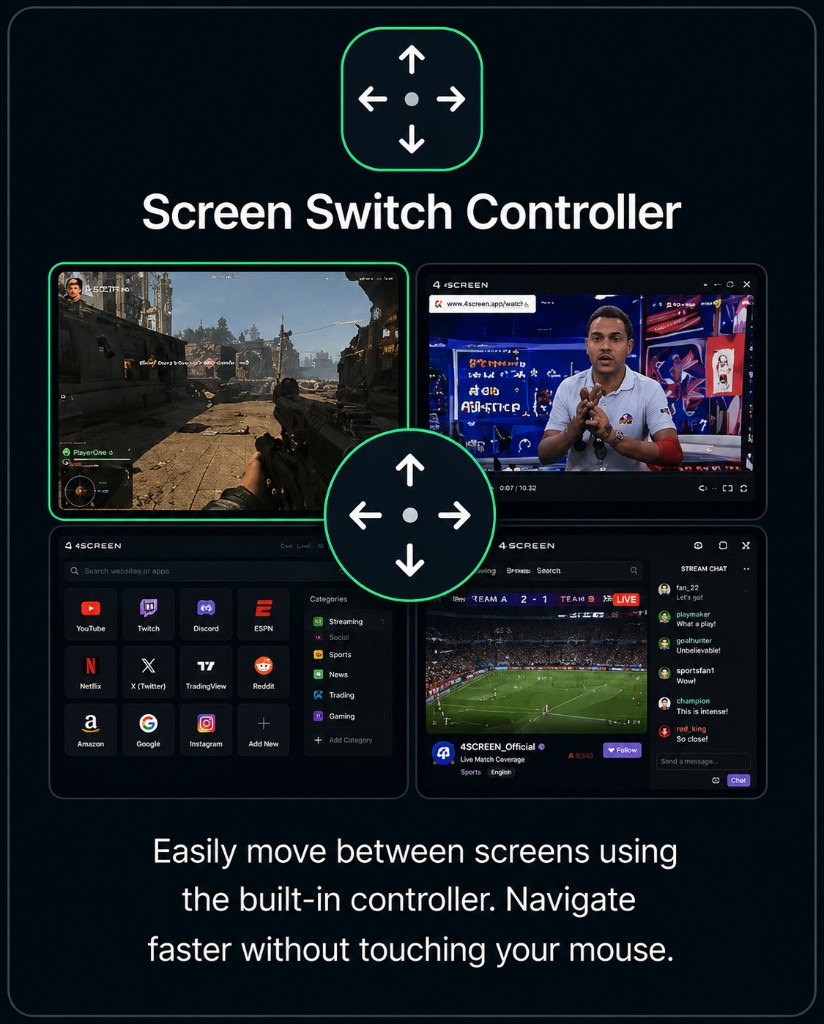
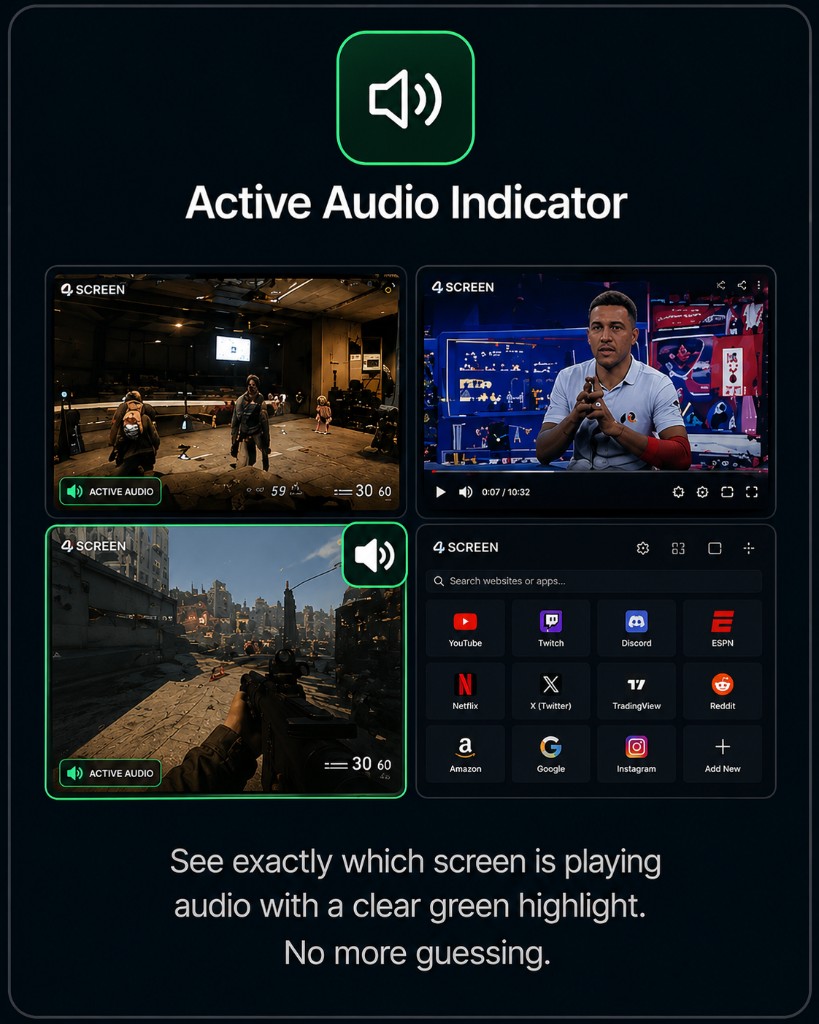
Independent Screens
Unlimited Websites
Native Desktop Performance
Multi Workflow Support
Why 4SCRN
4SCRN removes the friction between apps, feeds, tools, and context so your desktop feels intentional again.
Keep everything visible at once.
Reduce distractions and workflow interruptions.
Sports, work, coding, research, streaming and more.
Comparison
Download
Download 4SCRN for free. Upgrade to 4SCRN Plus from inside the application — one app, not a separate Plus installer.
First-time Windows users may see a Microsoft SmartScreen warning because 4SCRN is a new application. See the FAQ if prompted.
Need help installing? See the First Time Installation Guide below.
Works on both Apple Silicon (M1/M2/M3/M4) and Intel Macs.
Need help installing? See the First Time Installation Guide below.
Having trouble installing 4SCRN? Follow the steps below or browse the common questions below.
If Microsoft Defender SmartScreen warns that 4SCRN isn't commonly downloaded, this is expected for a new application.
This warning occurs because 4SCRN is a new application and has not yet built Microsoft's download reputation.
If macOS prevents 4SCRN from opening because it cannot verify the developer:
If needed:
Future versions will be Apple code signed and notarized to eliminate this warning.
For the best download experience we recommend:
If your browser blocks the installer because 4SCRN is new, review the installation steps above.
macOS may block apps downloaded from the internet that aren't yet notarized.
If you see a warning:
After the first launch, you can open it normally.
Waitlist
Join the waitlist for mobile, TV, shared workspaces, and cloud sync updates.
Coming Soon
Founder
Learn more about the journey behind 4SCRN and the vision that inspired its creation.
Social Proof
Built for people who live across screens.
A verified customer review will appear here.
Open slot
Only approved stories are shown
A verified customer review will appear here.
Open slot
Only approved stories are shown
A verified customer review will appear here.
Open slot
Only approved stories are shown
Add Feedback
Share your experience using 4SCRN.